AI
OpenClaw AI Explained: Features, Security, Use Cases & Alternatives (2026)
OpenClaw AI: The Complete Guide
Artificial intelligence is rapidly evolving from simple chatbots into autonomous digital assistants capable of executing real work. Instead of merely answering questions, modern AI agents can browse the web, write code, manage files, automate workflows, interact with messaging platforms, and complete multi-step tasks with minimal human intervention.
One project leading this transformation is OpenClaw AI.
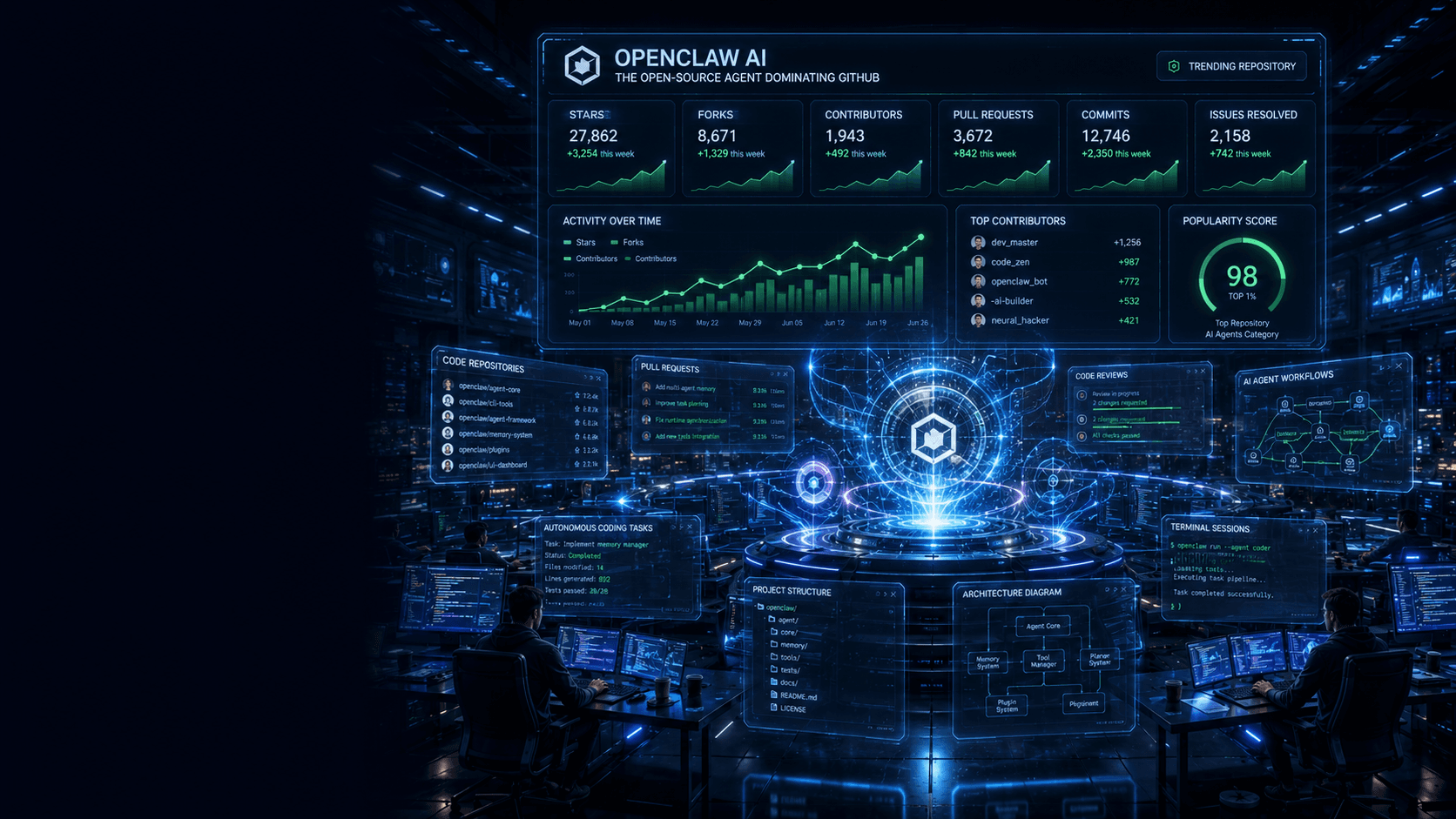
Within a remarkably short period, OpenClaw has become one of the fastest-growing open-source AI projects on GitHub, attracting hundreds of thousands of developers interested in autonomous AI systems. Unlike traditional AI assistants that wait for instructions, OpenClaw continuously operates in the background, making decisions, executing workflows, and interacting with external applications on your behalf.
But does the hype match reality?
This guide explains everything you need to know, including how OpenClaw works, why developers love it, where it excels, its biggest security concerns, and whether it's the right platform for your projects.
What Is OpenClaw AI?
OpenClaw is an open-source AI agent runtime that connects powerful large language models with your local computer, messaging platforms, APIs, and external tools.
Rather than existing as another chatbot website, OpenClaw functions as a persistent operating system service.
That means it can:
Read and write local files
Execute terminal commands
Manage scheduled tasks
Connect with Slack, Telegram, WhatsApp, Discord, and GitHub
Browse websites
Call APIs
Maintain long-term memory
Automate repetitive workflows
Instead of constantly asking the AI what to do next, users define goals, permissions, and behaviours while the agent handles execution.
This shift from reactive AI to proactive AI is the biggest reason behind OpenClaw's explosive popularity.
Why Is OpenClaw Becoming So Popular?
Several industry trends have fueled OpenClaw's rapid adoption.
First, organisations increasingly want AI that operates independently rather than requiring continuous prompting.
Second, many developers prefer open-source software instead of proprietary AI ecosystems because it provides transparency, flexibility, and control.
Third, OpenClaw is model-agnostic. You're not locked into a single AI provider. Users can connect models from multiple vendors or even run local open-weight models depending on performance, privacy, and cost requirements.
Finally, OpenClaw supports an expanding plugin ecosystem that dramatically extends its capabilities without requiring users to build every integration from scratch.
How OpenClaw Works
Understanding OpenClaw becomes much easier if you think of it as an intelligent operating layer rather than a chatbot.
Every interaction follows a structured workflow.
A message arrives from Slack, Telegram, GitHub, or another connected platform.
The runtime standardises the request into a common format.
It gathers previous conversation history, stored memories, user preferences, behavioural rules, and available tools.
The assembled context is sent to the selected language model.
If the AI decides it needs external information, OpenClaw executes tool calls, collects results, and feeds them back into the reasoning process.
Once the objective is completed, the new information is stored as long-term memory for future interactions.
This architecture allows OpenClaw to solve complex multi-step problems that ordinary chat interfaces struggle to complete.
Key Features
Autonomous Task Execution
OpenClaw can perform lengthy workflows without requiring constant supervision.
Instead of answering one question at a time, it can continue working until the assigned objective is complete.
Persistent Memory
Unlike many AI chat interfaces where conversations disappear after a session, OpenClaw stores structured memory locally.
This enables the agent to remember user preferences, recurring tasks, project details, and historical interactions.
Multi-Platform Integration
OpenClaw connects with numerous services, including messaging applications, developer tools, cloud services, APIs, and productivity platforms.
This allows users to communicate with one AI assistant across multiple environments.
Local File Access
The system can organise documents, generate reports, edit files, and maintain project directories.
Because it runs locally, it can directly interact with your operating system instead of relying solely on cloud services.
Plugin Ecosystem
Thousands of community-built extensions expand OpenClaw's functionality.
Developers can quickly add integrations for research, coding, automation, databases, CRM systems, analytics, and much more.
Real-World Use Cases
Software Development
Development teams use OpenClaw to:
Review pull requests
Generate documentation
Execute tests
Monitor repositories
Summarize commits
Automate deployments
Instead of replacing developers, it acts as an intelligent engineering assistant.
Business Automation
Organisations automate repetitive operations such as:
Email triage
CRM updates
Lead qualification
Report generation
Calendar management
Customer support routing
This reduces manual administrative work while increasing operational efficiency.
Research
Researchers can configure OpenClaw to gather information from multiple sources, summarise findings, organise references, and monitor ongoing developments in specific industries.
Personal Productivity
Power users employ OpenClaw to manage reminders, schedule recurring tasks, organise files, and automate daily digital routines.
Installation Overview
Installing OpenClaw requires technical familiarity.
Users generally need:
A supported operating system
A recent Node.js environment
API keys for preferred AI models
Proper permission management
Terminal knowledge
While experienced developers typically complete installation without difficulty, beginners may find the setup process challenging.
Managed hosting services and graphical desktop applications simplify deployment for users who prefer avoiding command-line configuration.
Security Risks You Should Understand
OpenClaw's greatest strength is also its greatest risk.
Because it receives extensive access to your computer, it can potentially execute highly privileged operations.
If malicious prompts, compromised plugins, or unsafe integrations gain access to the runtime, attackers could exploit those permissions.
Potential risks include:
Prompt injection attacks
Malicious plugins
Credential theft
Unauthorized file access
Supply-chain compromises
Unsafe API integrations
These risks do not necessarily make OpenClaw unsafe.
Instead, they highlight the importance of careful deployment.
Users should:
Install plugins only from trusted sources.
Restrict unnecessary permissions.
Use isolated environments whenever possible.
Monitor network access.
Keep dependencies updated.
Avoid exposing management interfaces to the public internet.
Security-conscious deployment is essential for production environments.
OpenClaw vs Traditional Workflow Automation
Many people compare OpenClaw with workflow automation platforms.
However, they solve different problems.
Traditional automation tools follow predefined rules.
"If this happens, perform that action."
OpenClaw makes decisions dynamically.
It interprets context, evaluates multiple options, chooses tools, and adapts its workflow while pursuing the desired outcome.
This flexibility makes it ideal for handling ambiguous, unstructured tasks that conventional automation platforms cannot easily manage.
Strengths
OpenClaw offers several significant advantages.
It provides complete transparency because users control the codebase.
It avoids vendor lock-in through model flexibility.
Its plugin ecosystem expands capabilities rapidly.
Persistent memory enables long-term contextual understanding.
The platform supports highly customised automation workflows.
Developers can modify nearly every aspect of the system according to their requirements.
Weaknesses
Despite its impressive capabilities, OpenClaw is not perfect.
The learning curve is steep.
Installation requires technical knowledge.
Managing infrastructure increases operational complexity.
Running advanced AI models can become expensive.
Frequent updates occasionally introduce compatibility issues.
Security requires continuous attention.
These limitations make OpenClaw more suitable for technical users than complete beginners.
Who Should Use OpenClaw?
OpenClaw is an excellent choice for:
Software developers
DevOps engineers
AI enthusiasts
Automation specialists
Technical founders
Research professionals
Power users seeking advanced workflow automation
Users looking for a simple chatbot experience may prefer managed AI assistants or desktop applications that abstract away the underlying infrastructure.
The Future of OpenClaw
OpenClaw represents a broader industry transition toward autonomous AI agents.
Future development will likely focus on:
Improved reasoning capabilities
Better safety controls
Expanded plugin ecosystems
Lower deployment complexity
Enterprise governance
Multi-agent collaboration
Enhanced local model support
As AI agents become increasingly capable, platforms like OpenClaw are likely to play an important role in personal productivity, software engineering, business automation, and enterprise operations.
Frequently Asked Questions
Is OpenClaw free?
Yes. The core project is open source. However, running commercial AI models or managed hosting services may incur additional costs.
Can beginners use OpenClaw?
They can, but the learning curve is substantial. Users unfamiliar with command-line tools may find managed alternatives easier.
Is OpenClaw secure?
It can be secure when deployed correctly. However, because it operates with extensive system permissions, careful configuration, plugin selection, and security practices are essential.
Can OpenClaw run local AI models?
Yes. One of its biggest strengths is model flexibility. Users can connect to cloud providers or locally hosted models depending on their requirements.
Is OpenClaw better than traditional chatbots?
It depends on your needs. If you simply need conversational AI, a chatbot is often sufficient. If you require autonomous workflows, persistent memory, tool execution, and system automation, OpenClaw offers significantly greater capability.
Final Verdict
OpenClaw is far more than another AI chatbot. It represents a major evolution toward autonomous, local-first AI agents capable of performing meaningful work instead of merely generating text.
Its combination of persistent memory, tool execution, local control, messaging integration, and open-source flexibility makes it one of the most compelling AI agent platforms currently available.
At the same time, its power comes with responsibility. Organisations and individual users must approach deployment with a strong understanding of security, infrastructure management, and permission control.
For developers, automation engineers, and technical professionals, OpenClaw is one of the most exciting open-source AI projects to watch. For non-technical users, managed implementations may provide a safer and more accessible path into the growing world of autonomous AI agents.
As AI continues evolving beyond conversation into action, OpenClaw demonstrates what the next generation of intelligent software is likely to look like.
Newsletter
Get New Posts In Your Inbox
No spam. Just practical reads on AI, Finance, and Tech.
By subscribing, you agree to get occasional emails. Every one has a one-click unsubscribe link.